Find your look
Styled to your face
Upload or take a selfie and we will read your face shape, show where each piece sits, and suggest earrings, necklaces and hair accessories that suit you.
Add a clear, front-facing photo with your hair tucked back so your ears show.
🔒 Private by design: face detection runs inside your browser. Your photo stays on your device unless you choose to save it after your results.
Your face shape, placement guide and picks will appear here.
How Find your look works
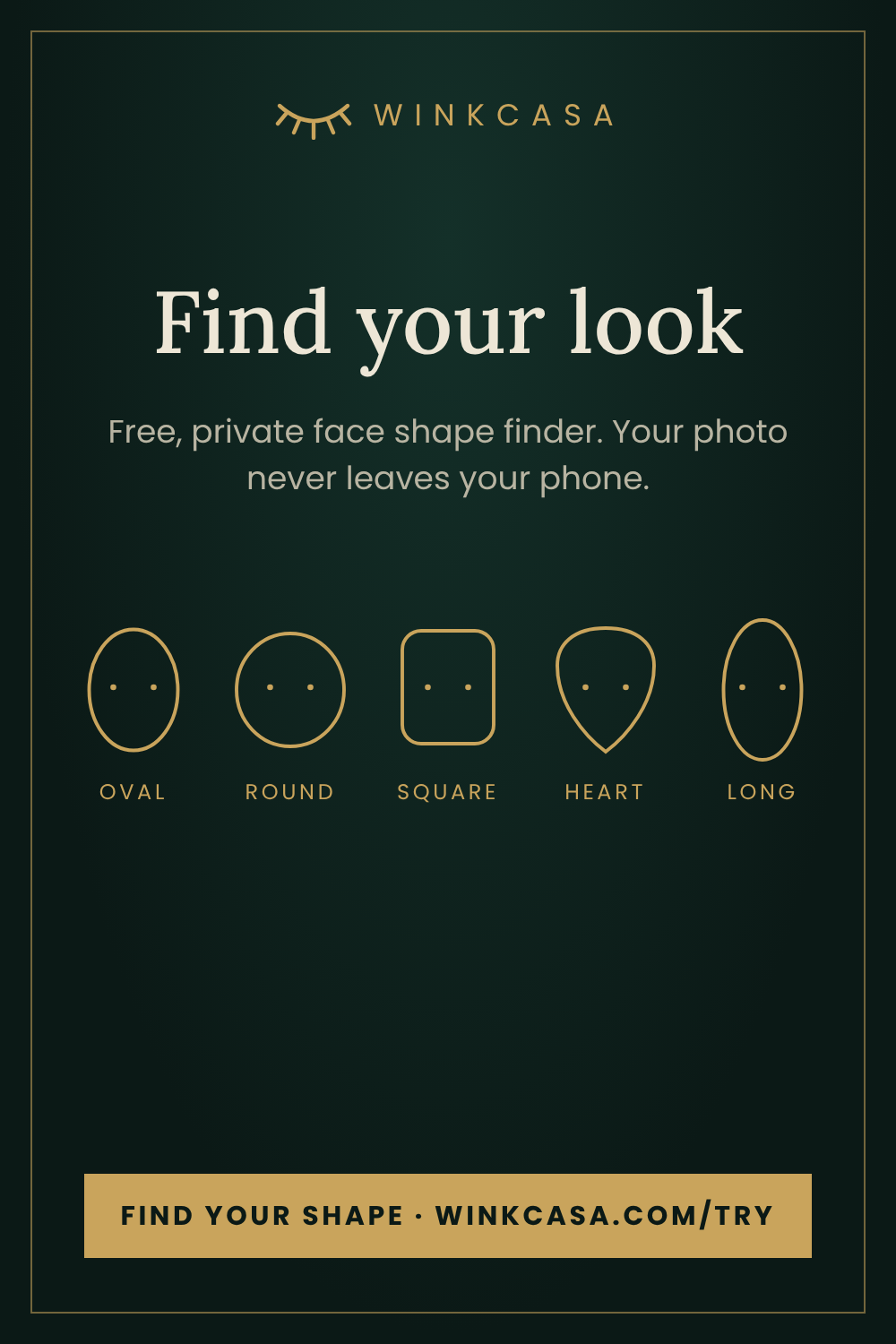
Add a front-facing photo. Your browser detects your face landmarks, compares the width of your forehead, cheekbones and jaw with the length of your face, and suggests a shape. You then see a placement guide and picks from our jewellery, hair accessories and beauty tools.
Read more: which earrings suit your face shape, how to find your face shape at home, the best necklace for your face shape and claw clip styles for your face shape.
Frequently asked questions
What is the WinkCasa face shape finder?
Find your look is a free tool that reads your face shape from a selfie, shows where earrings, necklaces, hair clips and facial massage tools sit on your face, and suggests matching pieces from the WinkCasa store.
Is my photo uploaded or stored?
No. Face detection runs inside your browser, so your photo stays on your device. A photo is only saved if you tick the consent box and press Save, and saved photos are deleted automatically after 90 days.
Which face shapes does it recognise?
Oval, round, square, heart and long (oblong). If the suggestion does not feel right, you can switch shape with one tap.
Is it accurate?
It is a styling guide, not an exact measurement. Use a bright, front-facing photo with your hair tucked back for the best result.
Which earrings suit my face shape?
Drops suit round faces, hoops suit square faces, teardrops suit heart-shaped faces, wide hoops and studs suit long faces, and oval faces suit almost anything. See the full earring guide on our blog.